
Introduction
The claim workspace is where day-to-day work happens for one employee case. Open it by selecting a row on the Dashboard.
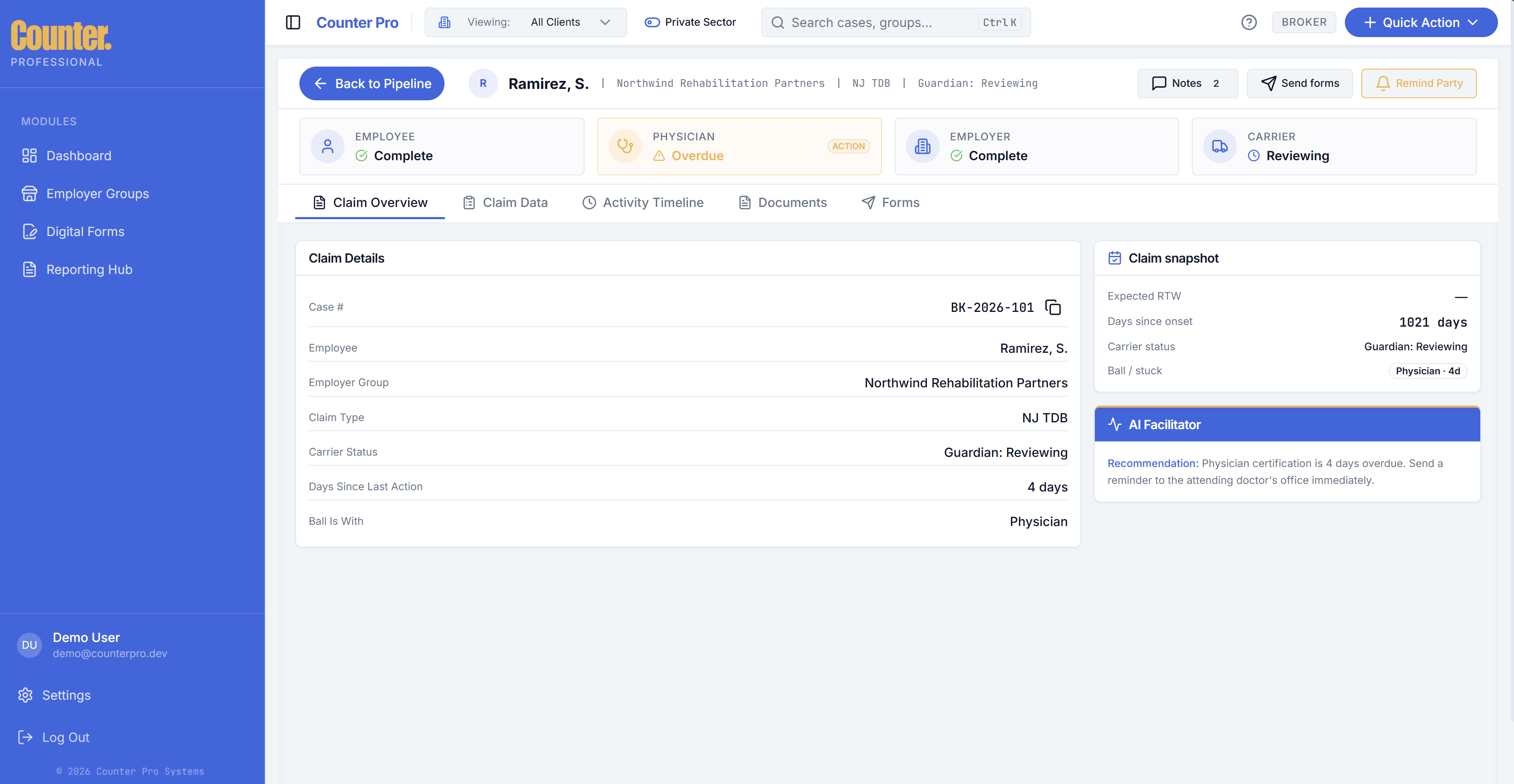
Overview and status
- See parties (employee, physician, employer, carrier — and care recipient for NY PFL where relevant) and their status relative to forms and tasks.
- Ball with and carrier status help you prioritize follow-ups.
Claim data tabs
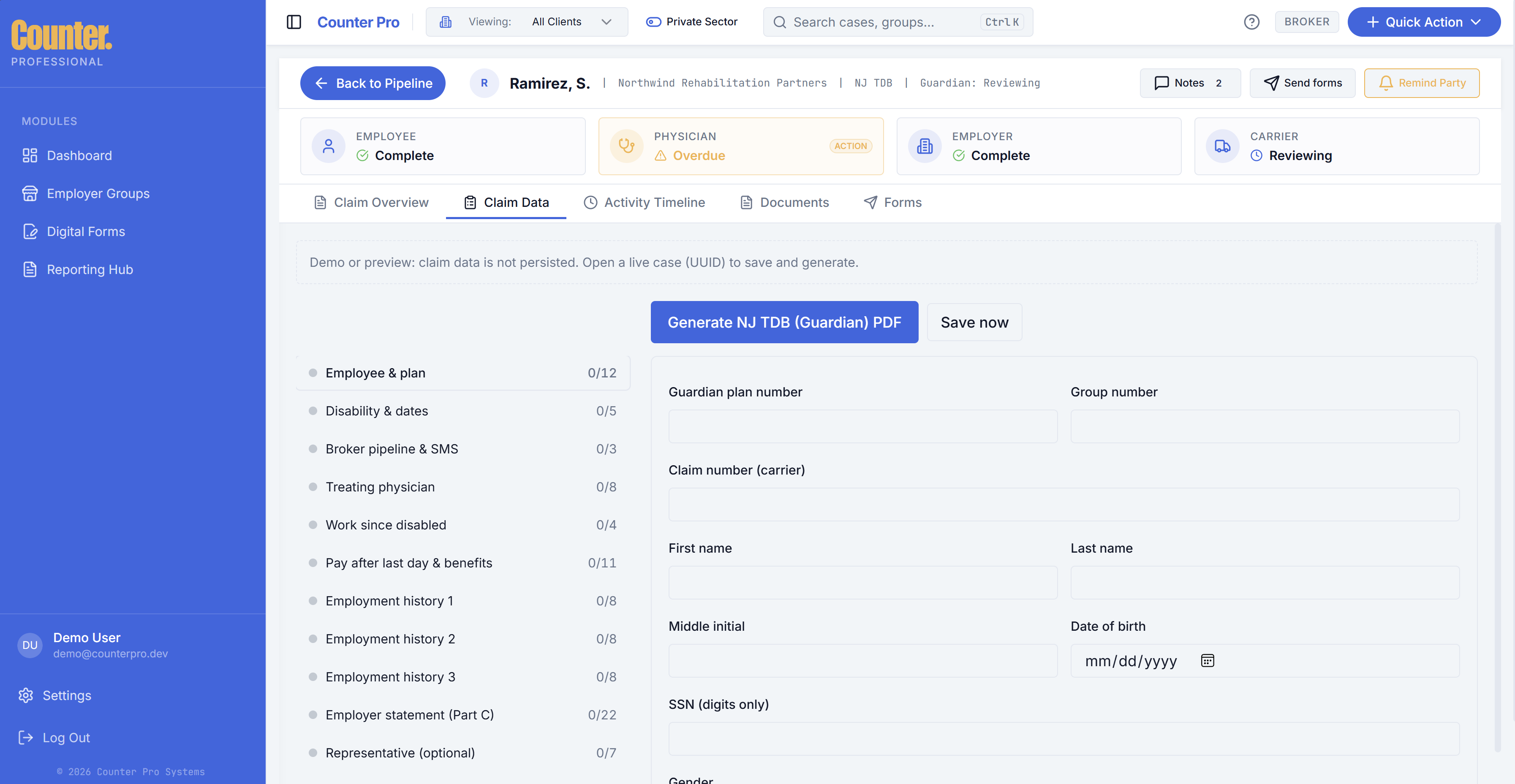
Data entry is organized by claim type (NJ TDB vs NY DBL vs NY PFL). Fill in the fields your process requires; this data can feed carrier PDF generation and digital packets behind the scenes.
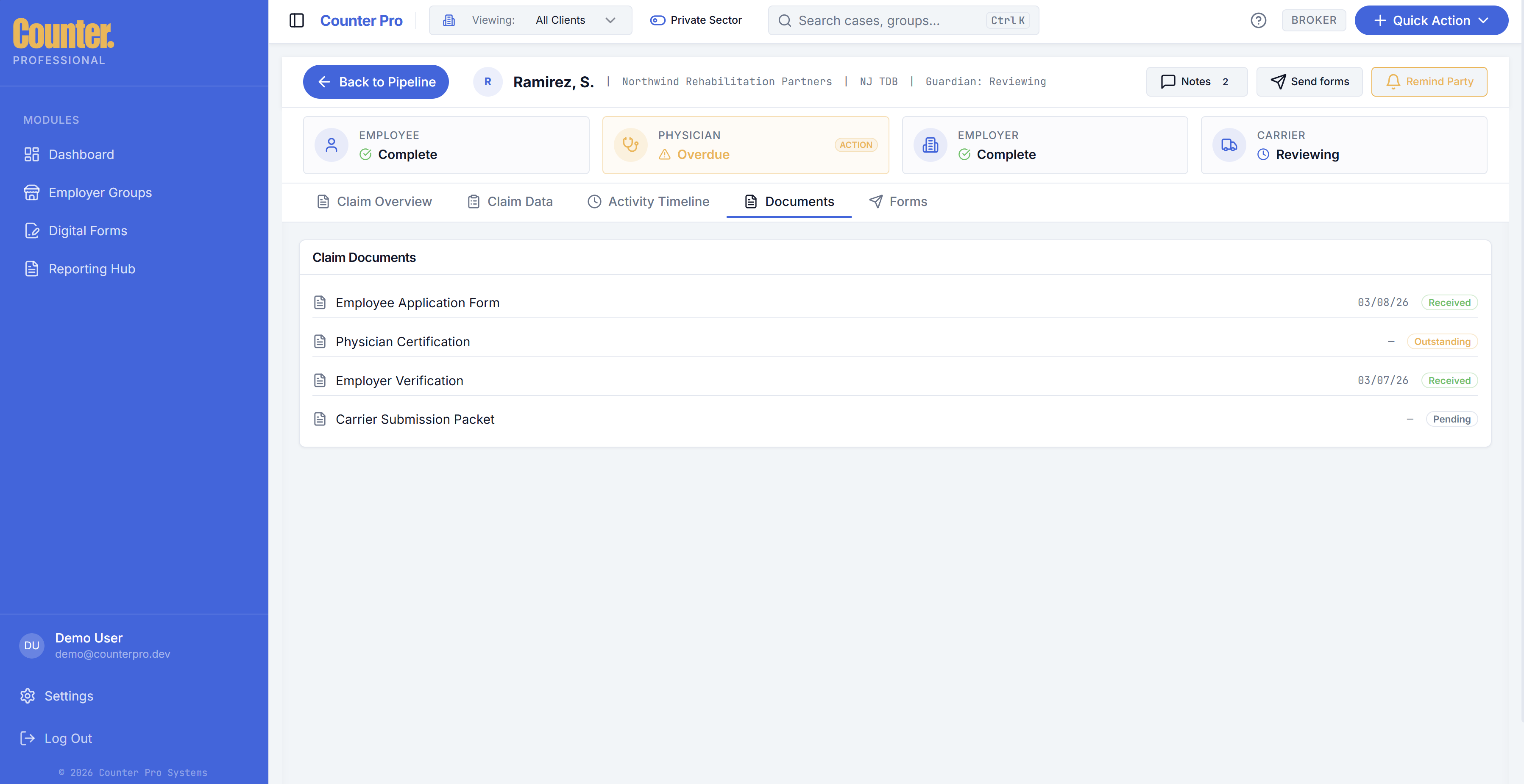
Documents
- Upload case documents; download and delete may be available per your team role.
- Upload limit: Large files may be rejected (for example 10 MB maximum per file — confirm with your org if limits change).
Digital forms and signing
- Use Send forms (or equivalent) to start envelopes with signers.
- Track signer progress; parties may sign via secure links (email flows).
- Your firm logo and name from Settings can appear on invites and signing experiences.
Public signing without logging in uses routes like /sign/[token] — signers complete packets through a dedicated flow. For a mobile view of what signers see, see Public signing links in Digital forms.
Timeline
The timeline shows a chronological history of case events for audit and client conversations.
Notes
Use the notes drawer for internal team notes (not necessarily visible to external signers).
Maxi Intelligence
Maxi can summarize what needs attention within the case. Treat it as assistance, not legal or carrier advice.
Smart nudges and communications
Use nudge or messaging features where shown to prompt employees, employers, or physicians. Wording and channels depend on your configuration.
%20smart%20nudge.png)