
Introduction
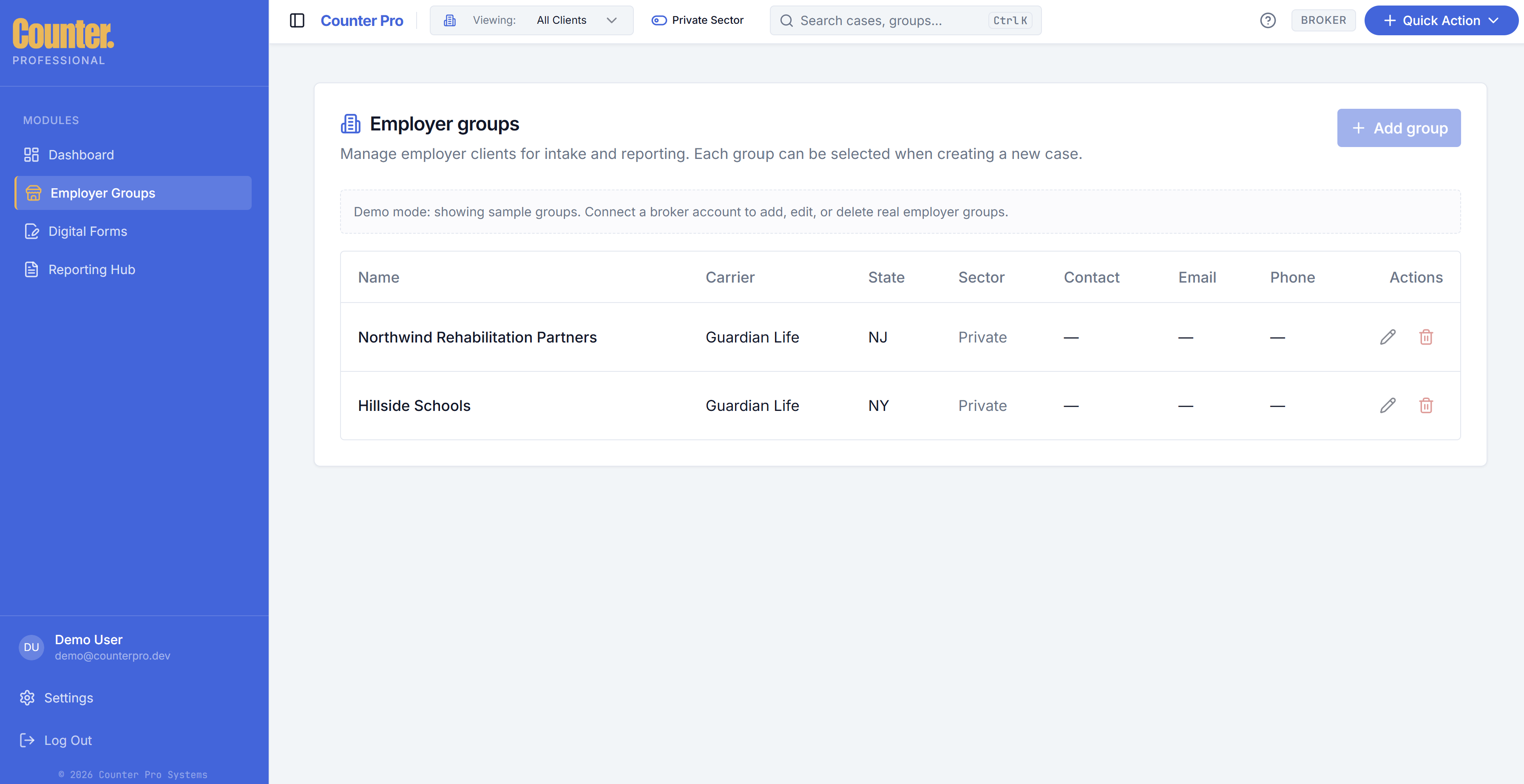
Employer groups are your client employers (or segments of your book of business). They drive the Viewing filter on the dashboard, New Intake selection, and reporting scope.
What to maintain
- One row per client (or segment) you serve.
- Typical fields include carrier, state, sector (private vs public), and contact details — capture what your implementation uses.
Create and edit
Use Add or row actions to open the modal. Save changes so the group appears in Viewing and intake pickers.
Sector and the header toggle
Groups tagged private or public sector respond to the header sector toggle. If a selected group disappears when you switch sectors, choose All Clients or another visible group on the Dashboard.