Introduction
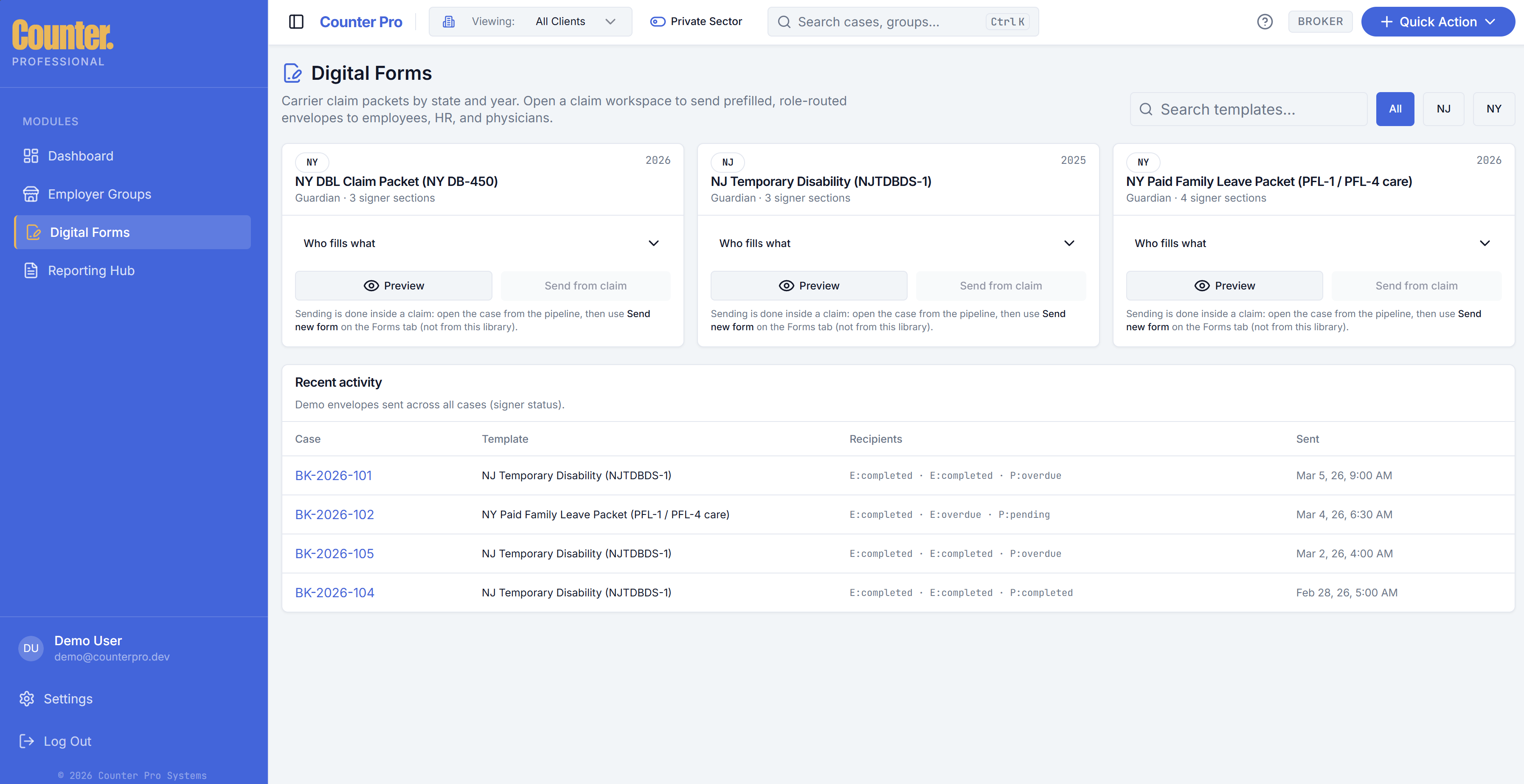
Digital Forms is the library of envelopes (sent form packets) across your cases. It complements Send forms inside each claim workspace, where you start new packets tied to a case.
Envelopes and signers
An envelope is a sent digital form packet with one or more signers. Typical signer roles include employee, employer, and physician; NY PFL may include care recipient.
- Track completion and overdue signers.
- Resend or use reminders from the case when signers are stuck (claim workspace).
Filters and search
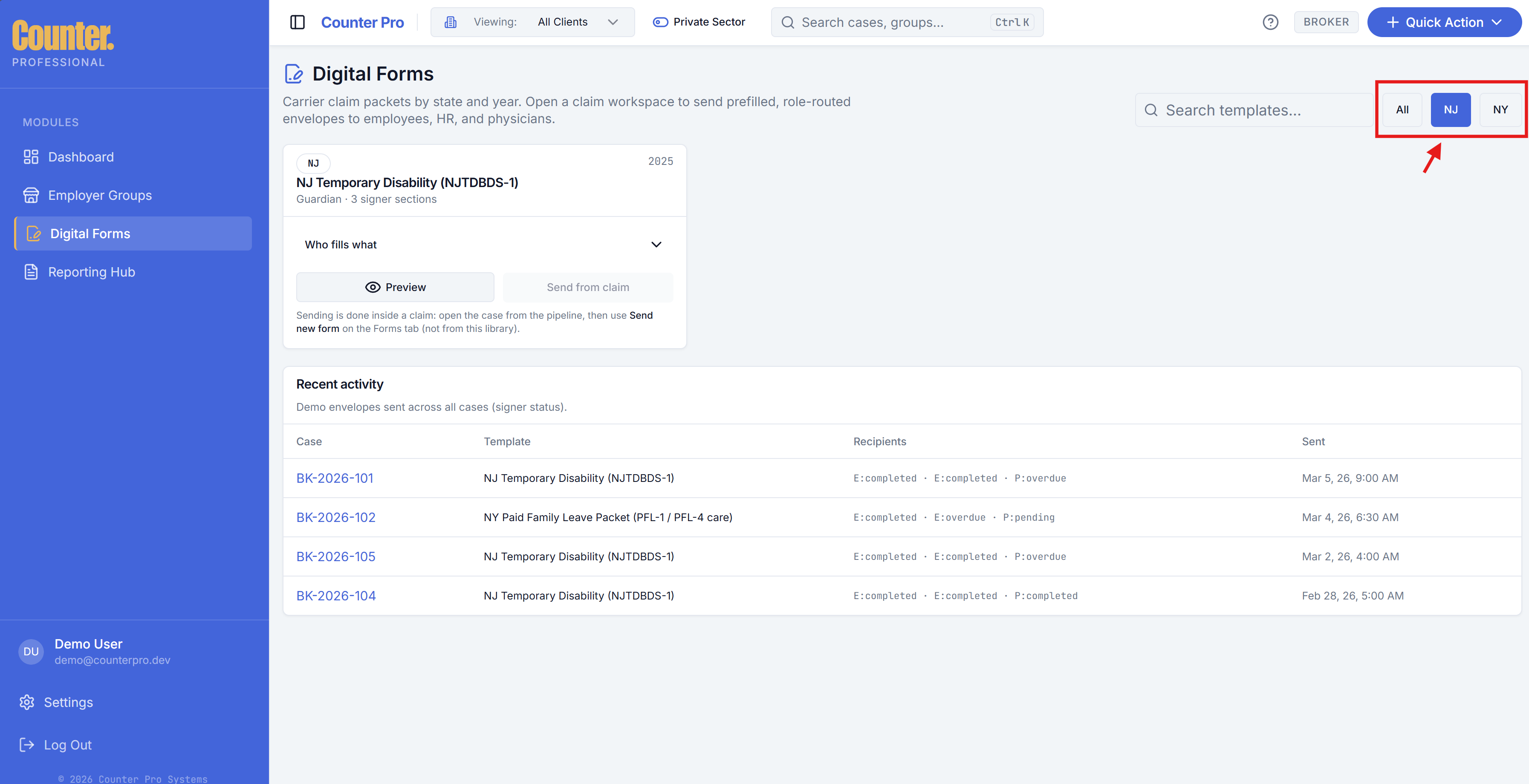
Filter or search by state (NJ / NY), template, signer roles, or case reference. Open a row to inspect status, signers, and linked case.
Branding
Firm logo and name configured in Settings can appear on invites and signing experiences.
Integration
E-signature flows use DocuSign (envelopes, webhooks, and related APIs) behind the scenes. Behavior may vary by environment.
Public signing links
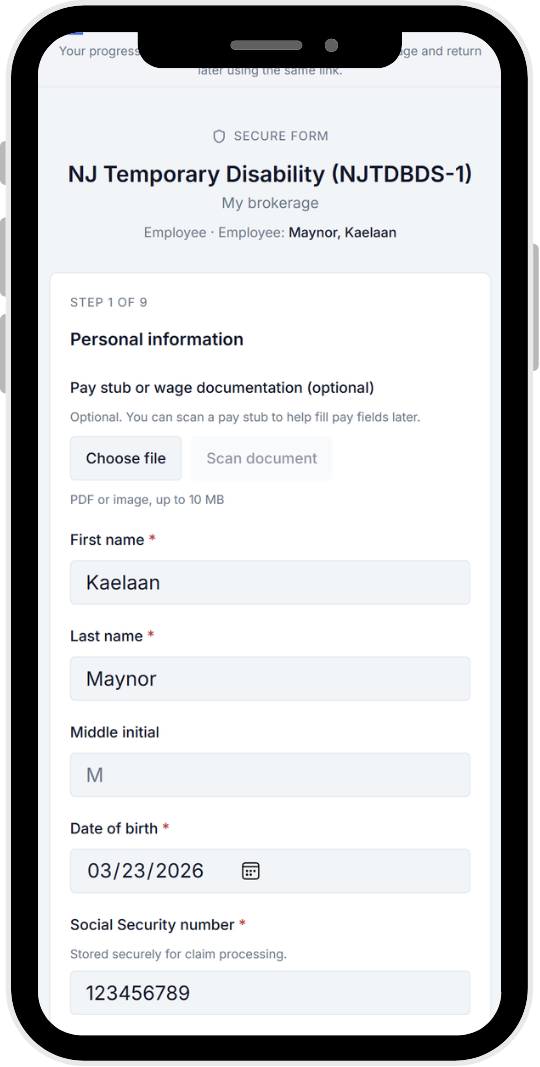
Employees and other parties may receive secure links to sign without a Broker login. The public route uses a token (for example /sign/[token]). Signers open the link on any device; the experience is optimized for mobile so employees and other parties can complete fields and sign from a phone.