
Before you begin
Advocate is self-serve. Create your account at Advocate signup.
Your account must be an advocate account to use this app (that is set when you sign up or when your organization assigns your role).
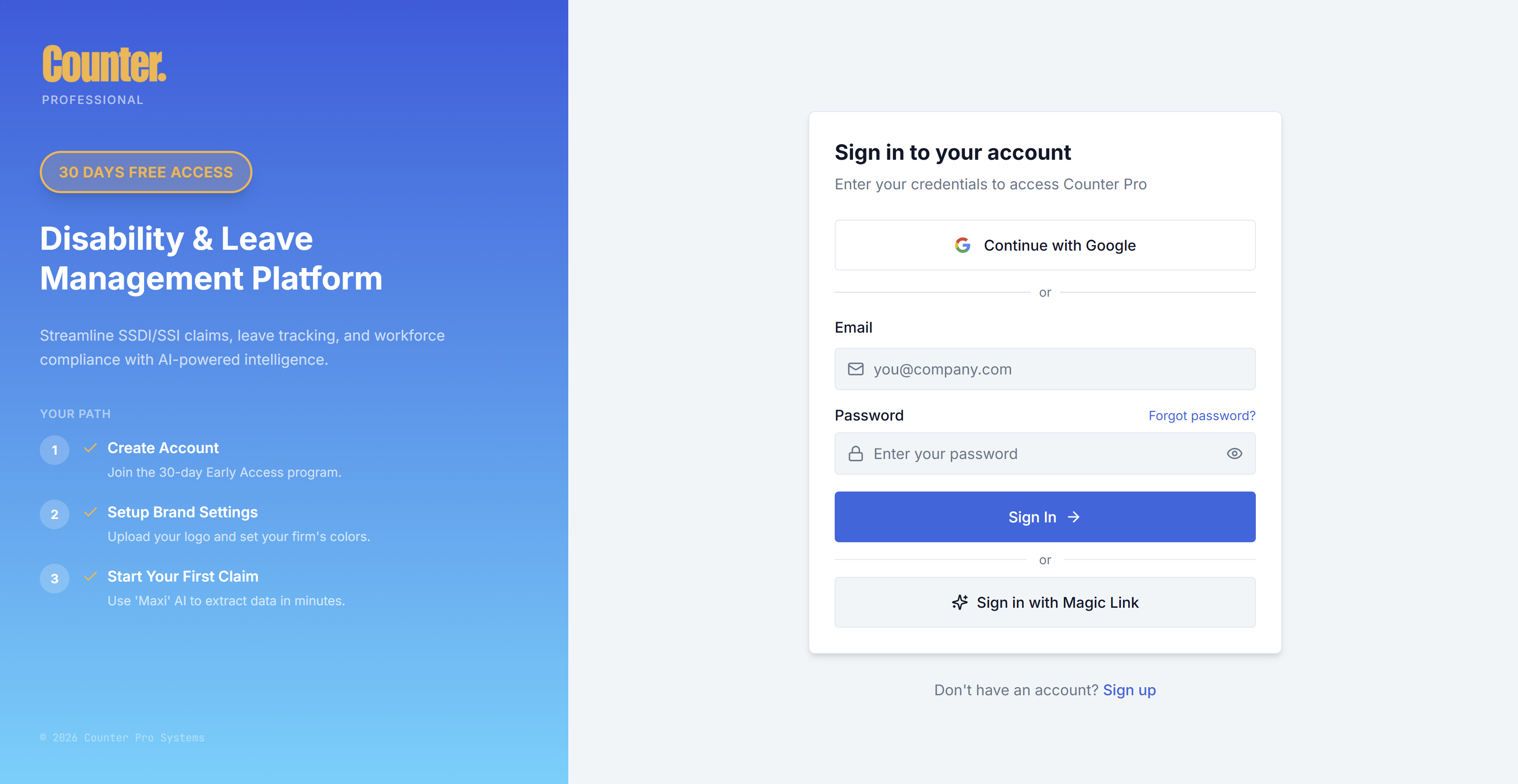
First-time access
- Complete Sign up at advocate.counterfin.com/signup, including any email verification or steps shown during registration.
- If you were invited to a team, use the invite link to accept the invitation and finish any required steps, then sign in as usual.
Account and sign-in
- New users: Open Advocate signup to create your account.
- Returning users: Login with your email and password.
- If you forgot your password, use Forgot password and follow the email instructions.
Who can use the Advocate app
The Advocate app is for accounts with advocate access. If you see Access Restricted, your default role may be another Counter Pro product (for example Broker or HR). Your organization can adjust user preferences / role or provisioning. If you still need an advocate login, use Advocate signup.
Onboarding tour
The first time you use the app, an onboarding experience may guide you through key steps. You can often reopen guidance from the help control in the header until you complete the tour. When the tour finishes, you may be directed to Settings (for example Branding) to finish setup.
Next steps
- Read the Overview for a map of all guides.
- Open Dashboard to learn the home view and Quick Action.
- Use Intake Links when you are ready to send a client a secure link.