
Introduction
The Clients page is your directory of clients (organizations or individuals your firm represents, depending on setup). From here you can review client records and navigate to their claims.
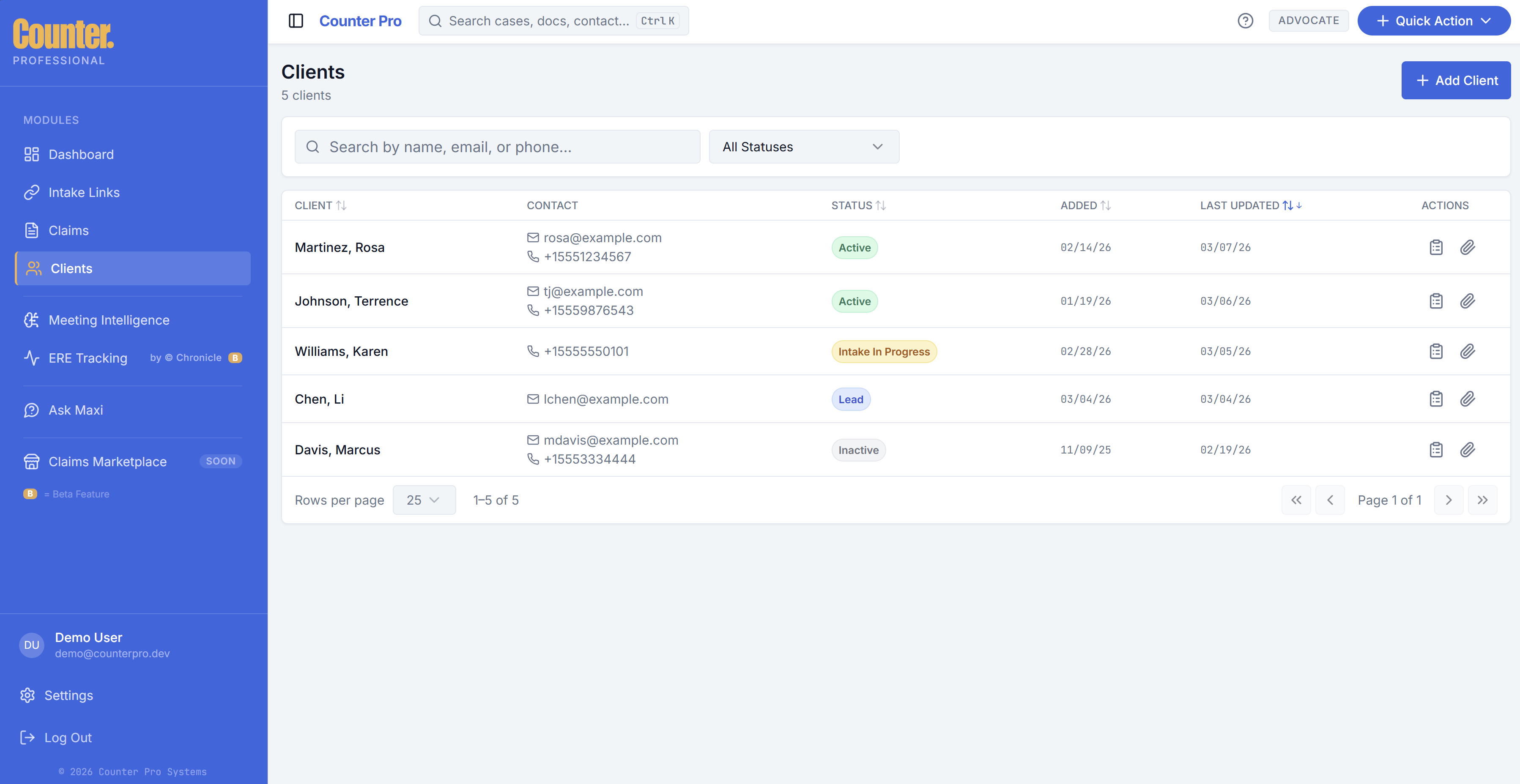
Client list view
The list typically shows:
- Client name and key identifiers.
- Contact or summary fields where configured.
- A way to open the client or jump to claims for that client.
Use search or filters when you have many clients.
Adding and managing clients
Depending on your workflow, new clients may be added:
- When you start a claim or create an intake link.
- From an Add client or New client control on this page (if shown).
Edit client details where the UI allows; required fields follow your firm’s policy.
Navigating from client to claims
Open a client row to see details or a claims subsection. From there, open a claim to reach the intake workspace.
Header global search may also jump you to a client or claim when you pick a matching result.