
Introduction
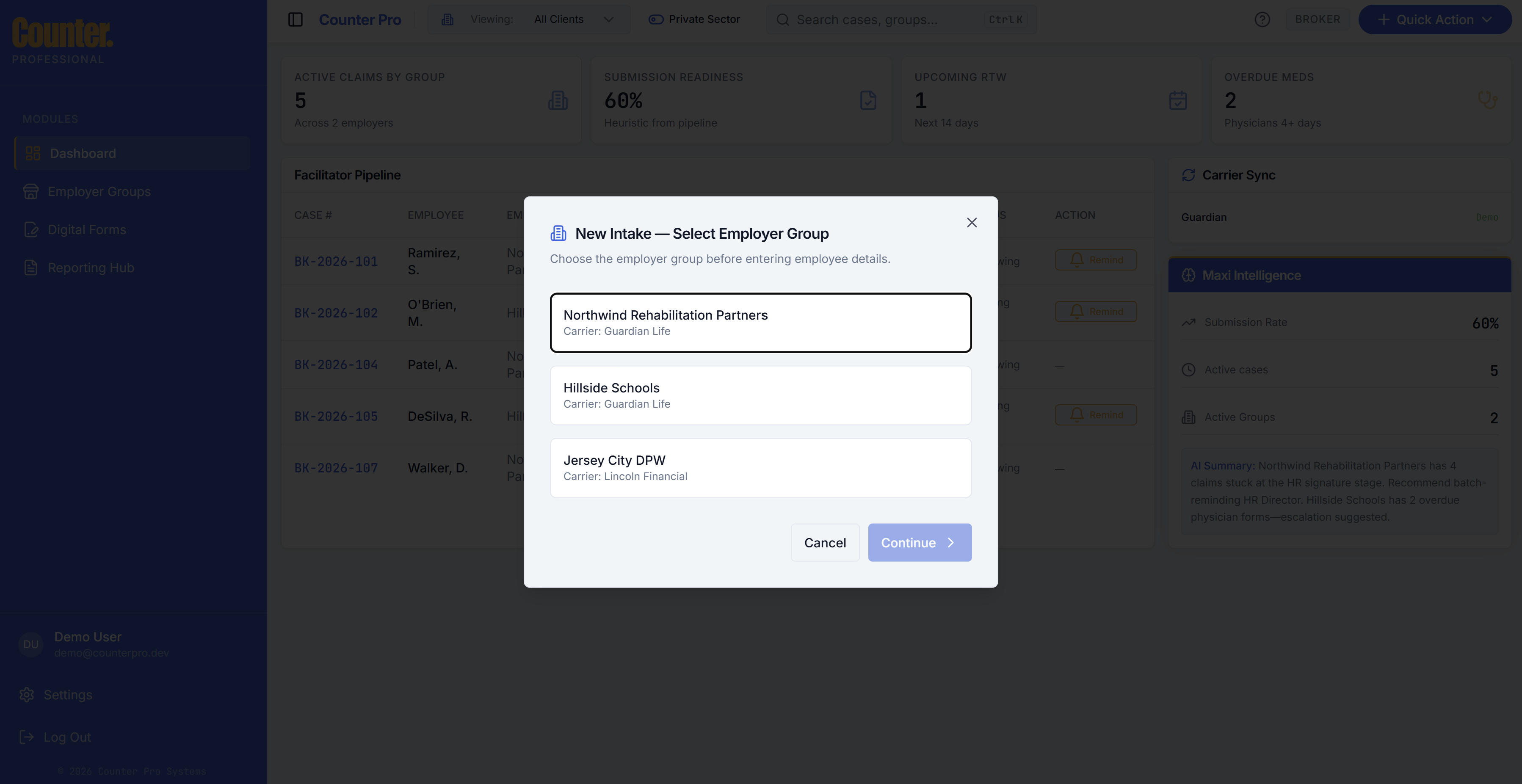
New Intake creates a new case (one employee leave / disability claim). Start it from Quick Action → New Intake or the equivalent control on your dashboard.
Supported claim types
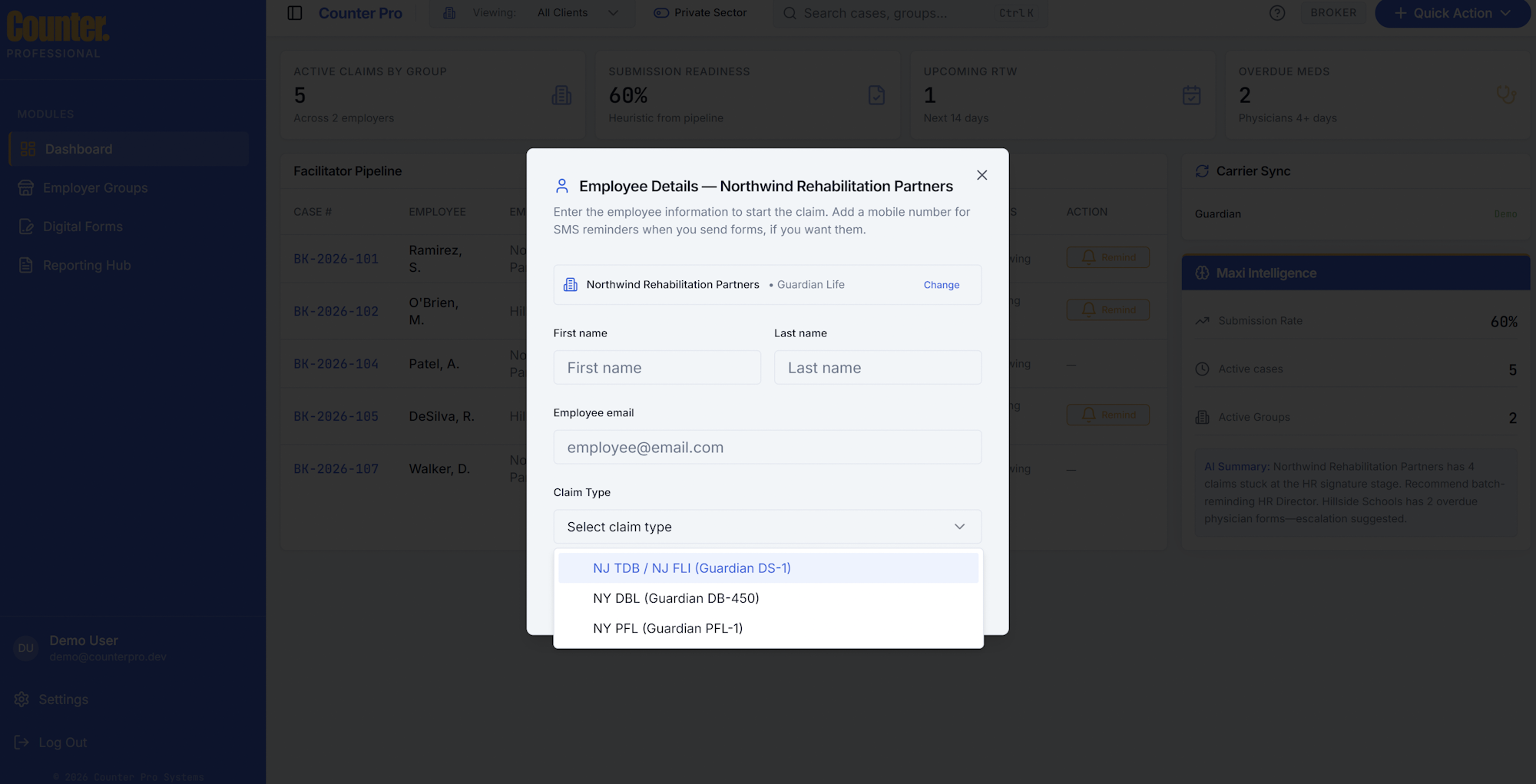
When you create an intake, you choose a claim type. The product aligns types with Guardian packet naming:
| Claim type | Forms context (Guardian) |
|---|---|
| NJ TDB | NJ TDB / NJ FLI — Guardian DS-1 |
| NY DBL | NY DBL — Guardian DB-450 |
| NY PFL | NY PFL — Guardian PFL-1 |
Intake steps
- Select employer group — Pick the client. You may be able to add a group inline if your workflow allows it (Employer groups).
- Employee details — Name, email (optional but useful for digital forms), claim type, and optionally assign the case to another broker on your team.
- After success, you are typically taken to the claim workspace for the new case.
After intake
From the claim workspace you can upload documents, send digital forms, add notes, and track the timeline.